2,000 MCP Servers and Counting: How to Choose, Vet, and Connect Them Without Getting Burned
The connector ecosystem went from scarce to overwhelming in about a year. The new problem is not finding an MCP server — it is knowing which ones deserve access to your systems.
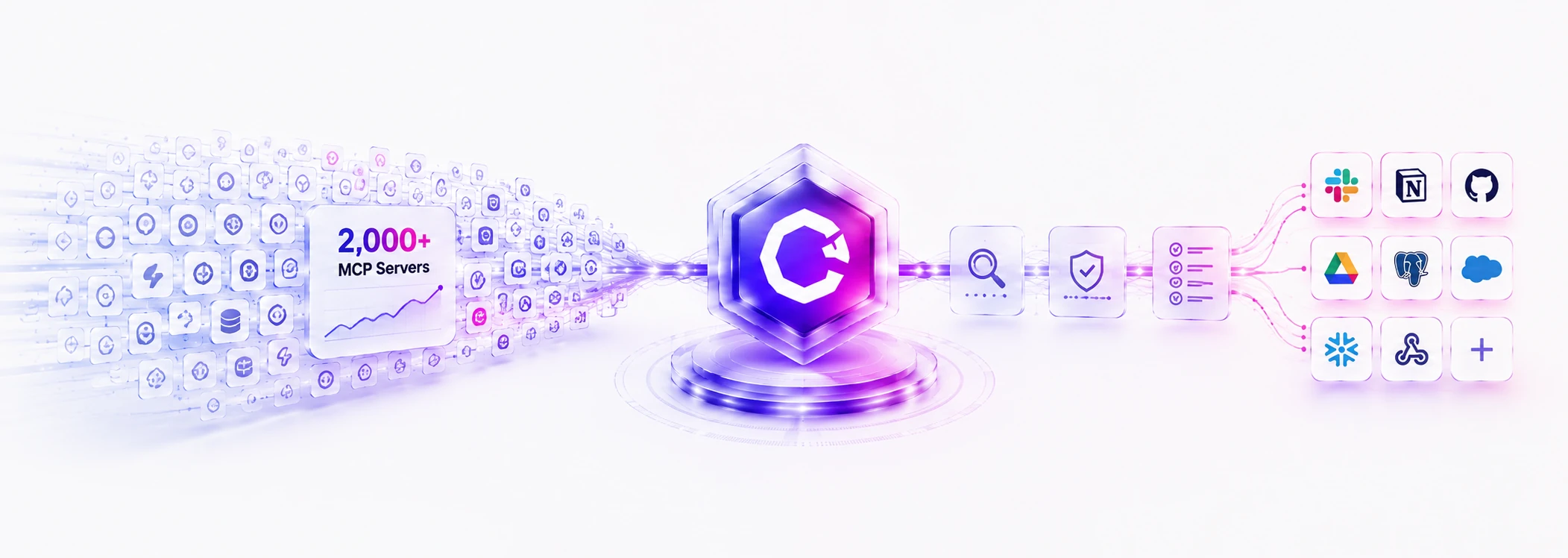
A year ago, the question we heard from clients was “is there an MCP server for our tools?” In 2026 the answer is almost always yes — the official MCP Registry lists close to 2,000 servers, and Slack, GitHub, Google, Salesforce, Stripe, HubSpot, Shopify, Notion, and Linear all maintain official ones. The MCP SDKs are downloaded on the order of 97 million times a month. The scarcity problem is solved.
Which means the question has changed. It is now a procurement question, and a security one: out of five servers that all claim to connect the same system, which one do you let inside? (If you need the primer first — what MCP is and why it matters — start with MCP Explained.)
Why the ecosystem is safe to build on now
Two structural changes in the past year matter more than any feature announcement. First, in December 2025, Anthropic donated MCP to the Agentic AI Foundation under the Linux Foundation, with OpenAI and Block as co-founders and AWS, Google, Microsoft, Cloudflare, GitHub, and Bloomberg as supporting members. The protocol your integration depends on is no longer one vendor’s product decision — it is a vendor-neutral standard with the companies who compete hardest against each other all invested in its stability.
Second, the ecosystem stopped being text-only. MCP Apps, introduced in January 2026, let a server render an interactive interface inside the chat — Amplitude, Asana, Box, Canva, Figma, and Salesforce were launch partners. An agent conversation can now surface an actual chart, form, or design canvas rather than describing one.
The vetting checklist: five questions per server
Nearly 2,000 registry entries means the registry is a phone book, not a recommendation. An MCP server is code that will hold credentials to your systems and feed content into your AI’s context — both directions matter. Before any server gets access, we answer five questions:
Connect, buy, or build?
One warning about connector sprawl
The failure mode we now see most often is not a bad server — it is too many good ones. Every connected server adds tools to the model’s context, and an agent with two hundred available tools is slower, more expensive, and more likely to pick the wrong one. The ecosystem is responding (the maintainers’ roadmap includes progressive tool discovery, and gateway patterns that load tools on demand have shown token savings above 90%), but the practical rule holds regardless: connect what the workflow needs, not what the registry offers. Five well-scoped servers beat twenty impressive ones — the same “pilot one thing, prove it, expand deliberately” discipline from our LLM integration guide.
The MCP ecosystem in 2026 is what the integration landscape looked like in every previous platform shift once it matured: real standards, real governance, a crowded marketplace, and a meaningful gap between connecting things and connecting them well. The registry solved discovery. Judgment is still on you — or on whoever you trust to exercise it.
Deciding which connectors deserve access?
We help teams map their workflow to the right MCP servers — vetting what exists, building what doesn’t, and scoping every connection to what the use case actually needs.