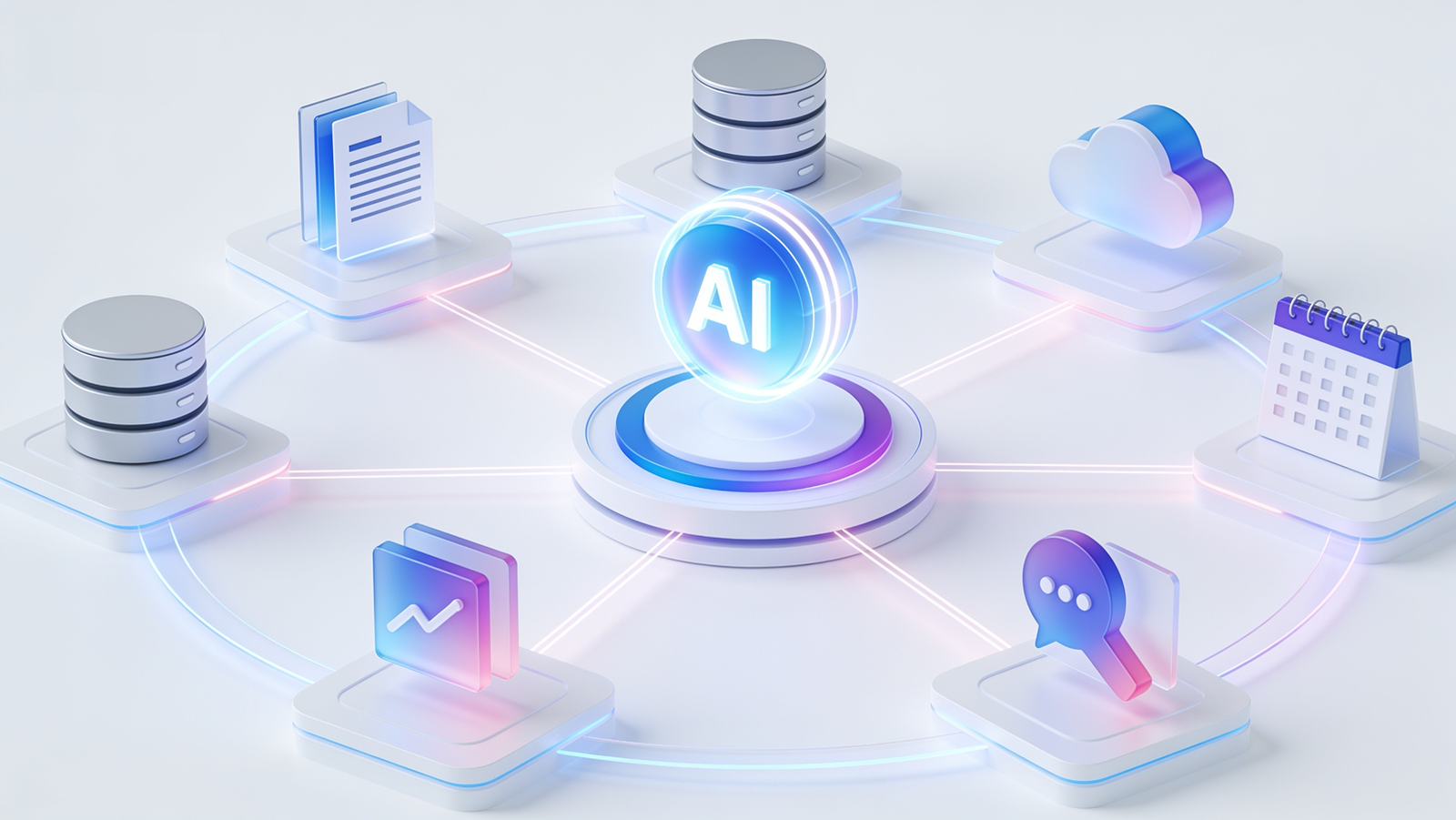
MCP Explained: What the Model Context Protocol Means for Your Business in 2026
The quiet standard that turned AI assistants from clever chatbots into systems that can actually do work inside your business — explained without the jargon.
Two years ago, the biggest complaint about AI in business was simple: it did not know anything about your business. Your assistant could write a beautiful email, but it could not see your CRM. It could summarise a policy, but it could not check your actual inventory, your actual tickets, your actual numbers.
The Model Context Protocol — MCP — is the piece of plumbing that fixed this. It was introduced by Anthropic in late 2024, adopted by OpenAI, Google DeepMind and Microsoft through 2025, and since December 2025 it has been governed as a vendor-neutral open standard under the Linux Foundation. By 2026 it is the de facto standard for connecting AI models to real business systems. If you are evaluating AI for your company this year, MCP is the acronym behind almost every serious option on the table.
What MCP actually is (the one-paragraph version)
MCP is an open standard that defines how an AI model talks to external tools and data — your databases, your file storage, your ticketing system, your internal APIs. The analogy everyone uses, because it is accurate: MCP is USB-C for AI. Before USB-C, every device needed its own cable. Before MCP, every AI integration was a custom, one-off build that broke when either side changed.
The problem it solves: the integration tax
Say you have 4 internal systems and want them accessible from 3 AI tools. Without a standard, that is 12 separate integrations — each one custom code, each one a maintenance liability, each one owned by whoever built it and forgotten when they leave. This is the N-times-M problem, and it is why most AI pilots stalled at the demo stage in 2024 and 2025.
With MCP, each system gets one MCP server — a small connector that exposes what the system can do — and every MCP-compatible AI client can use all of them. Four integrations instead of twelve. Add a fifth system later, and every AI tool you use gains access to it on day one.
What this makes possible in practice
What changed in mid-2026 (update)
Update, August 2026: the protocol had its biggest revision since launch. The July 28, 2026 specification made MCP stateless — technical shorthand for: a remote MCP server now runs and scales like any ordinary web service, with no special session infrastructure. For businesses, that means deploying MCP for a whole team got noticeably simpler and cheaper, and several older integration patterns were put on 12-month deprecation timelines. If you already run MCP integrations built before mid-2026, it is worth having them reviewed against the new spec this year rather than next. The authorization model was also hardened again, continuing the protocol’s steady march from “promising” to “boring enterprise infrastructure” — which is exactly what you want from plumbing.
The honest part: what to watch out for
We build these systems for clients, so we will tell you what vendors often will not. Giving an AI model access to your systems creates real security surface. The two risks that matter most:
Prompt injection. If your AI reads external content — emails, documents, web pages — a malicious document can contain instructions the model might follow. Mitigation is well understood in 2026 (permission boundaries, output filtering, human confirmation on consequential actions) but it has to be engineered deliberately, not bolted on.
Over-permissioning. An MCP server should expose the minimum your use case needs. Read-only where possible. Scoped to specific records where possible. The pattern we use: start read-only, prove value, then add write actions one at a time with approval gates.
How to get started without a big-bang project
MCP is not hype — it is infrastructure. Like most infrastructure, the companies that benefit are not the ones talking about it, but the ones quietly shipping on top of it. We covered the broader thinking behind useful AI integrations in Integrating LLMs Beyond the Hype, and the tooling side in our 2026 AI coding tools comparison.
At Syntaxa, MCP servers are now part of how we build: connecting client systems to AI assistants with the permission model, audit trail and human-approval gates that production use actually requires.
Want your systems AI-ready without the security guesswork?
We scope, build and harden MCP integrations — from a first read-only pilot to production agent workflows. Honest advice on what is worth connecting, and what is not.